
Ride Focus AR
Farmingdale State College, 2026
By Bartlomiej Kopec
Introduction
RideFocus was developed from my experience within the Long Island cycling community and from observing how deeply riders depend on technology during real rides. Devices such as Garmin computers, smartphones, and cycling apps are useful for navigation, tracking, and communication, but they can also create distractions at critical moments.
This project explores how interaction design can respond to those issues through a safer and more focused riding experience. Using a human-centered research process, I studied how cyclists navigate, communicate, and make decisions in real riding environments.
The Problem
Modern cycling technology helps riders navigate, track performance, and stay connected, but it also introduces friction. Riders often need to glance down at a bike computer or phone to check directions, speed, route changes, or alerts.
This project asks a central question: How might cycling technology support riders more effectively without demanding too much of their visual attention?
The Solution
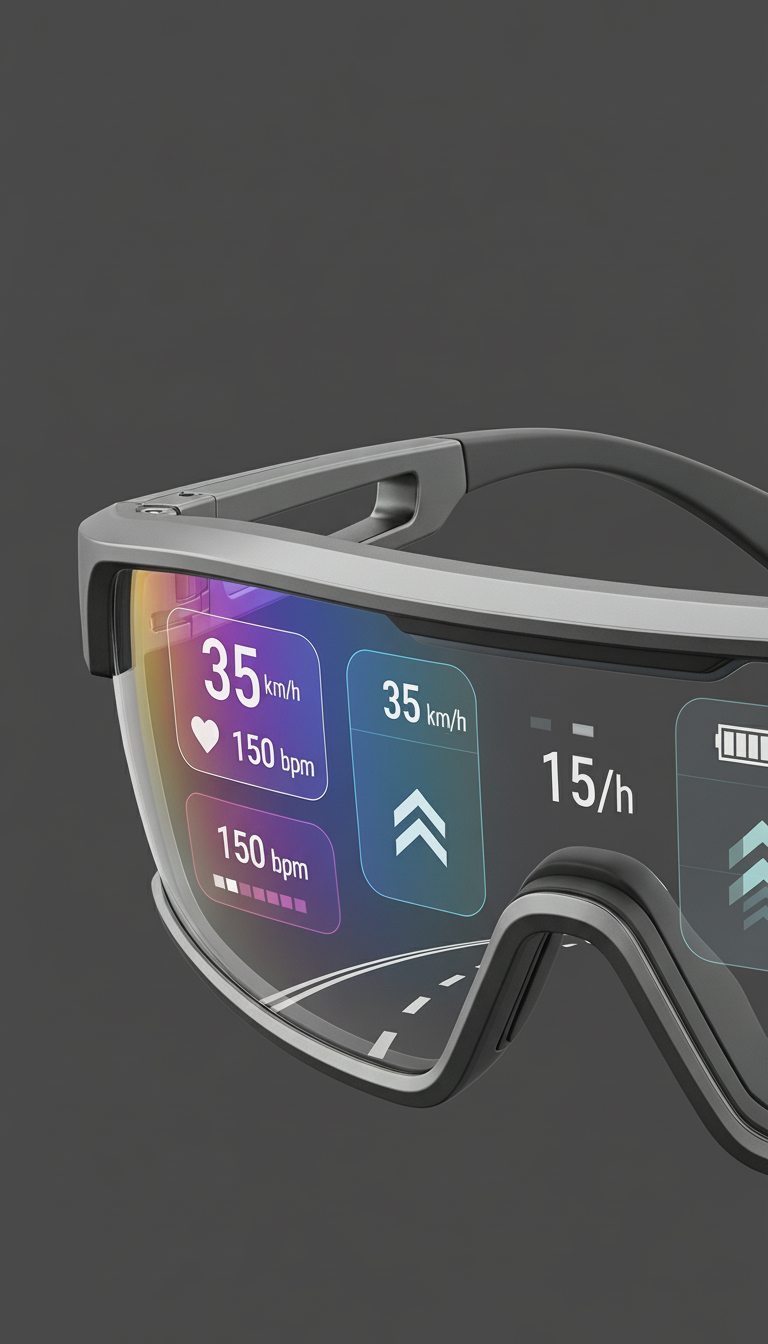
RideFocus AR responds to this problem by moving key ride information from the handlebars into the rider’s line of sight. The concept combines AR cycling glasses, Garmin integration, built-in microphone and headphones, voice control, and a customizable heads-up display.
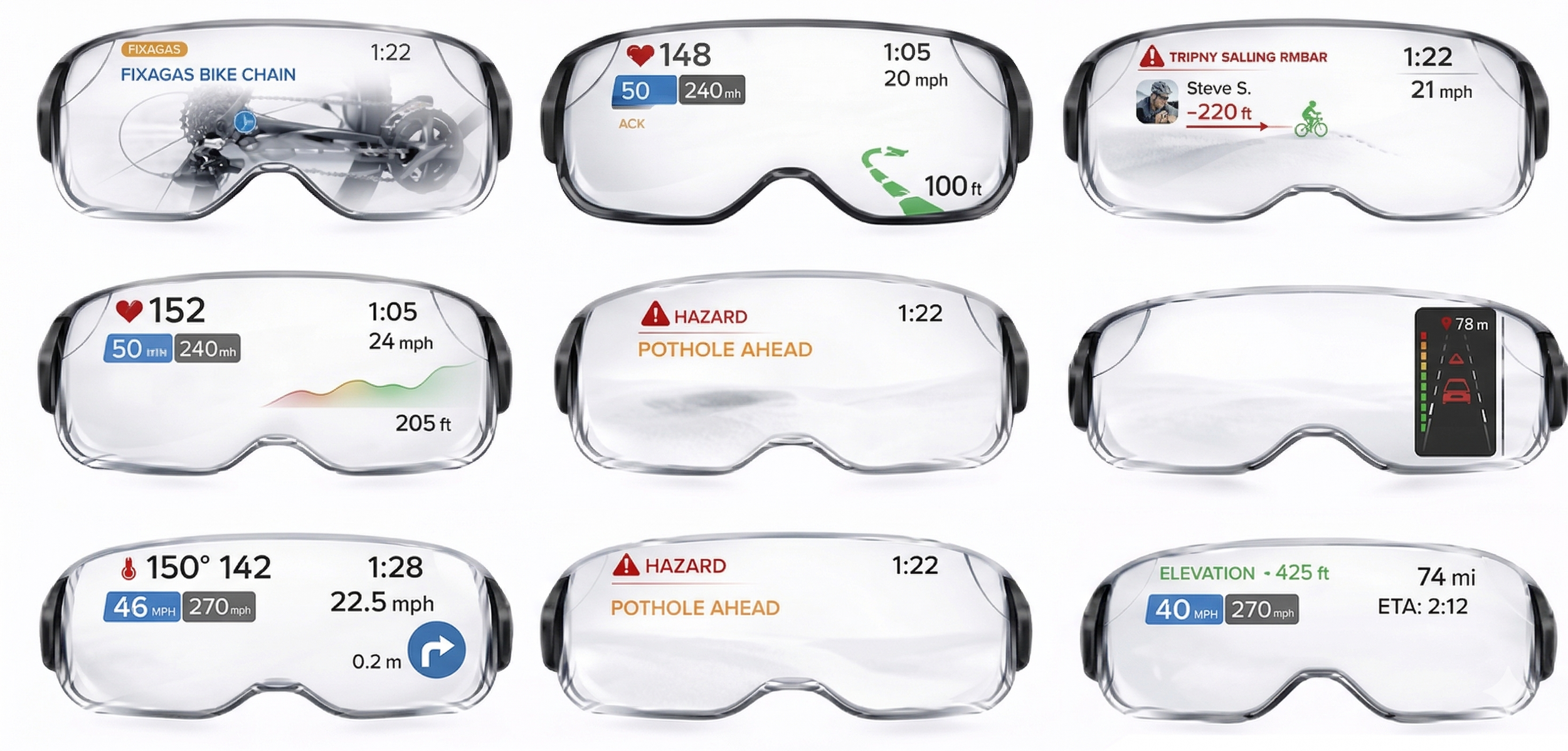
Instead of overwhelming riders with constant data, RideFocus focuses on only the most important cues: upcoming turns, hazard warnings, regroup signals, and essential ride updates.
UX Research & Design Process
The project was grounded in a human-centered design process shaped by real cyclists, real environments, and real riding behaviors.
25
Week Ethnographic Study
35
Riders & Staff Interviewed
20+
Hours of Field Observations
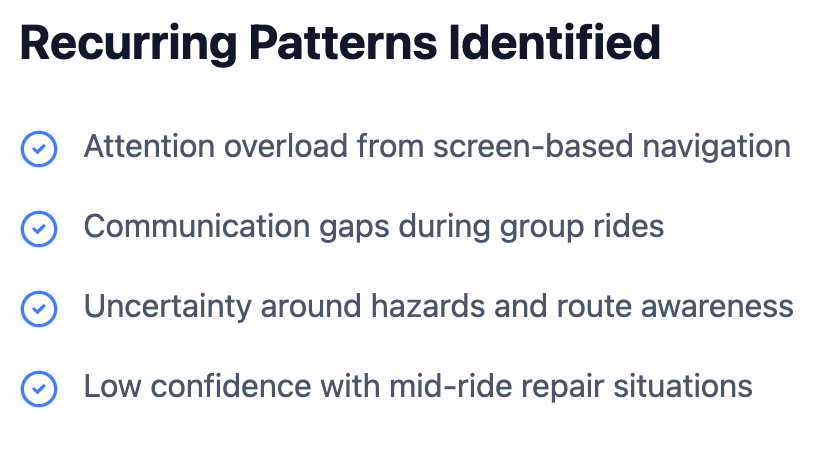
Synthesis
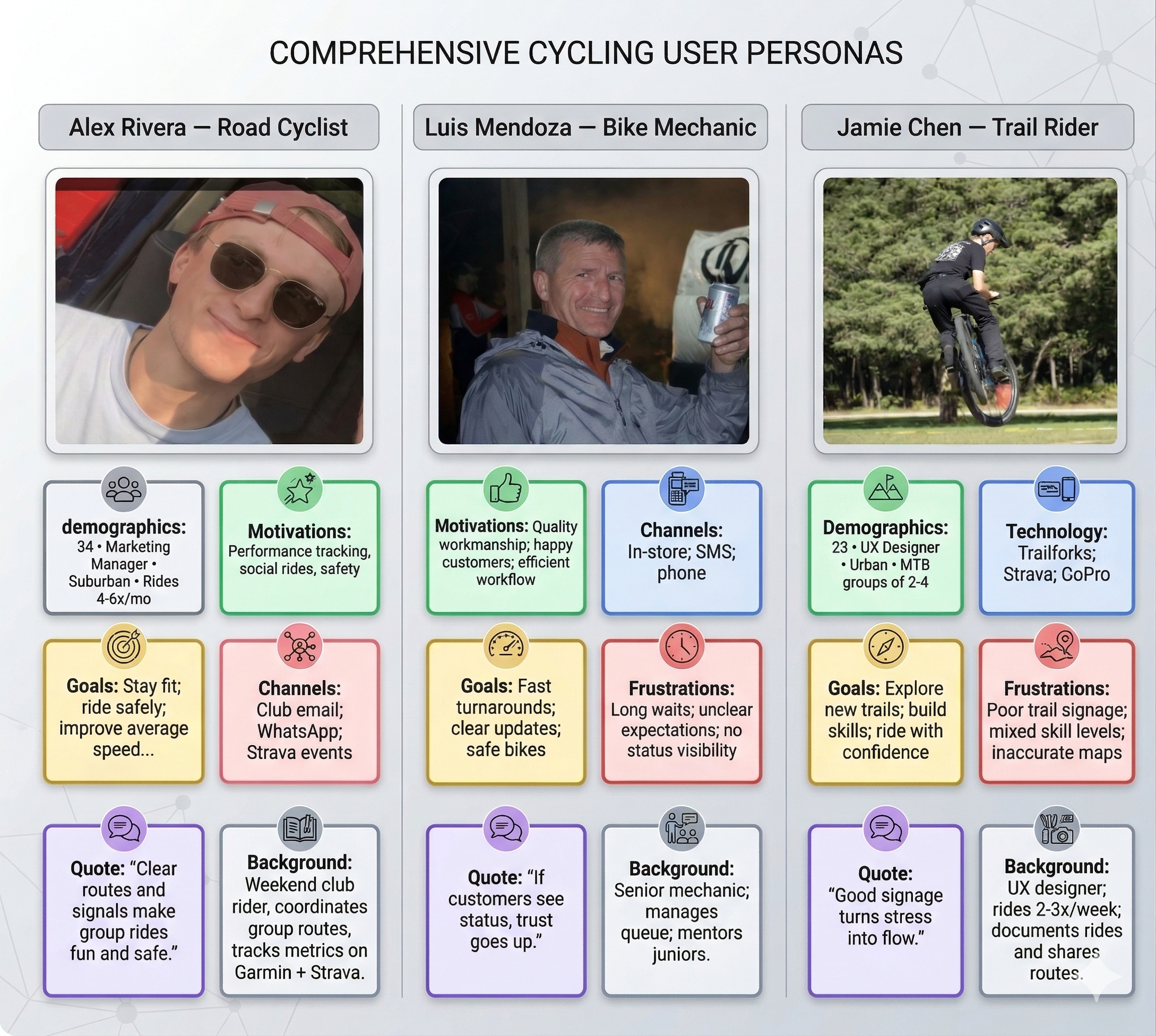
Findings were synthesized through empathy maps, journey maps, personas, storyboard development, wireflows, prototyping, and iterative testing. This ensured the final concept was based on actual rider needs rather than assumptions.
User Archetypes
Agile UX Process
The Agile UX process allowed the project to develop through small, testable steps. Instead of designing a final product immediately, I moved through repeated cycles of building, testing, learning, and refining.
Stage 1: Structure & Flow
Defining the overall user flow: onboarding, Garmin pairing, permissions, route selection, and Focus Mode setup. The goal was clarity over visual polish.
Stage 2: Interactive Prototyping
Building a companion app prototype in Figma to test how users move through the system in a realistic way, identifying where they hesitated or became confused.
Stage 3: Immersive Refining
Expanding beyond the app into the physical mockup and HUD refinement, ensuring the system stays quiet until needed.
Storyboard
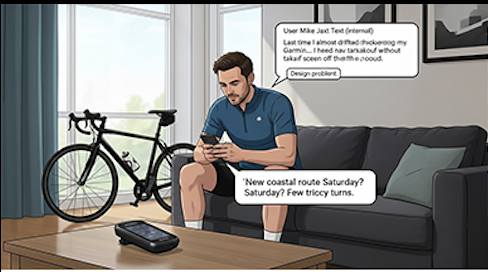
PANEL 1 — The Problem Moment (Trigger)
Scene: Interior, early evening. Mike sits on his couch scrolling his phone. A bike leans against the wall.
Garmin head unit on the table.
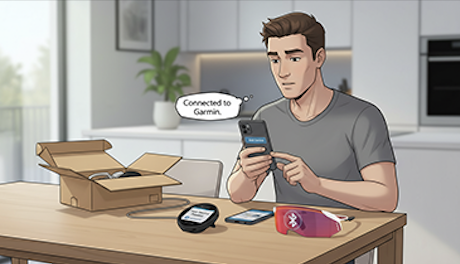
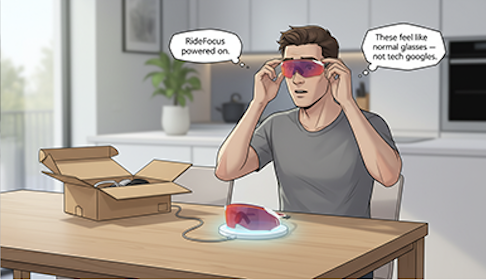
PANEL 4 — Unboxing at Home
Scene: Kitchen table. Box open. Glasses charging.
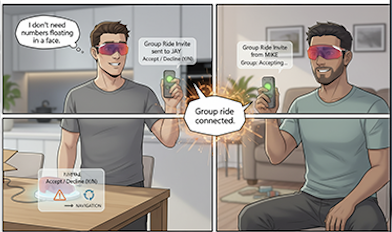
PANEL 7 — Friend Connection (Both Have Glasses)
Scene: Split screen: Mike at home / Jay at his place.
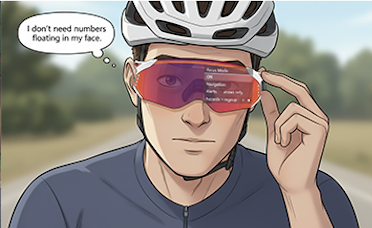
PANEL 9 — Meet-Up Point (Pre-Ride Check)
Scene: Parking lot near the trailhead. Two bikes side by side.
PANEL 11 — Conversation While Riding
Scene: Side-by-side riding.
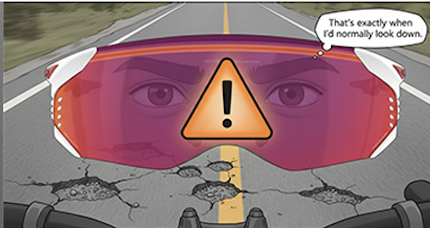
PANEL 14 — Hazard Warning
Scene: Narrow shoulder, broken pavement.
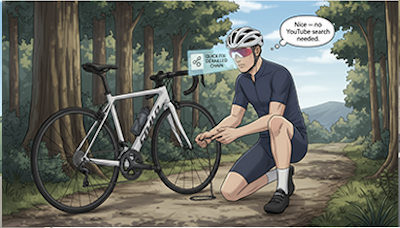
PANEL 16 — Mid-Ride Stop (Optional Support)
Scene: Jay checks his chain.
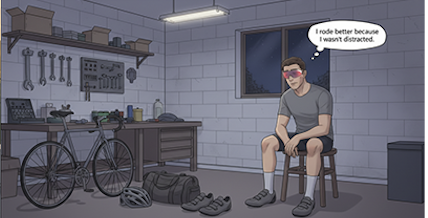
PANEL 19 — Reflection (Why It Matters)
Scene: Mike later that evening.
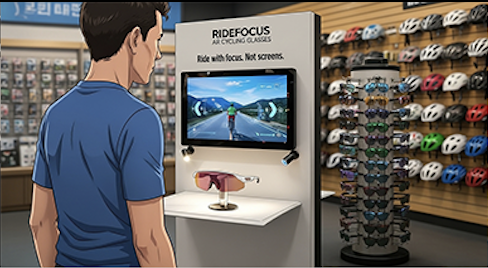
PANEL 2 — In the Bike Shop (Discovery)
Scene: Local bike shop. Helmet wall, sunglasses rack.
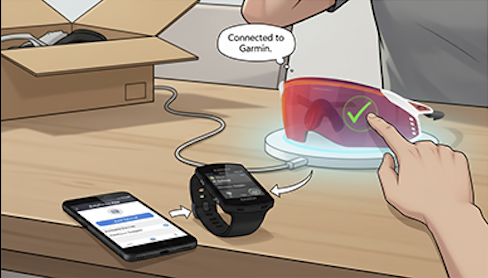
PANEL 5 — Pairing with Garmin
Scene: Phone + Garmin device on the table.
PANEL 8 — Route Loading
Scene: Mike selects a saved coastal route.
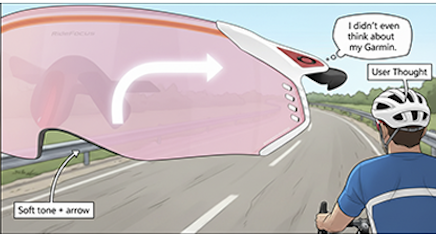
PANEL 10 — Rolling Out (Quiet Start)
Scene: They start riding.
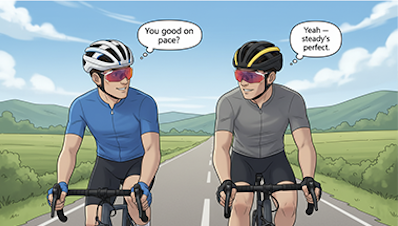
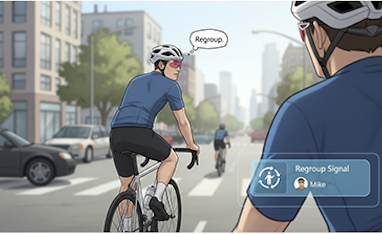
PANEL 12 — Drop Alert (Real Group Problem)
Scene: Traffic light splits them.
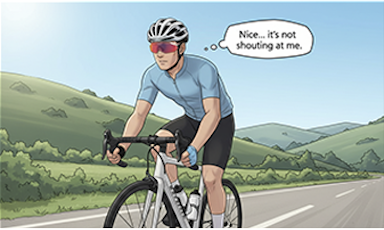
PANEL 14 — Hazard Warning
Scene: Narrow shoulder, broken pavement.
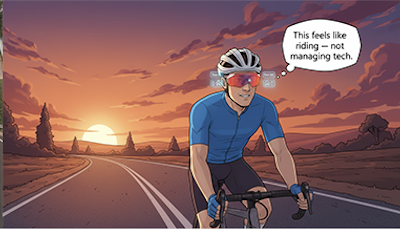
PANEL 17 — Final Stretch
Scene: Open road, sunset.
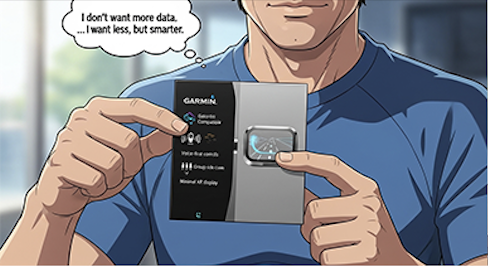
PANEL 3 — Decision Point (Why He Buys)
Scene: Close-up of the box in Mike’s hands.
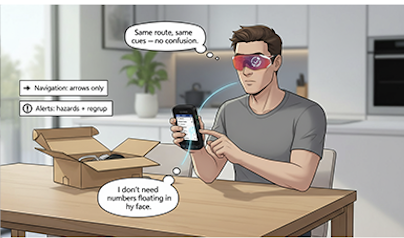
PANEL 6 — Focus Mode Setup
Scene: Mike cycling through setup options.
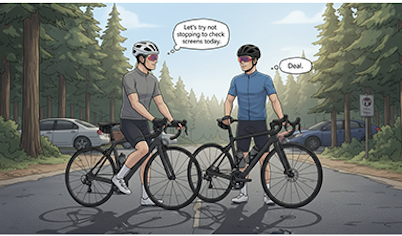
PANEL 8 — Route Loading
Scene: Mike selects a saved coastal route.
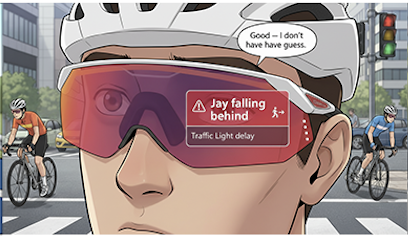
PANEL 11 — Conversation While Riding
Scene: Side-by-side riding.
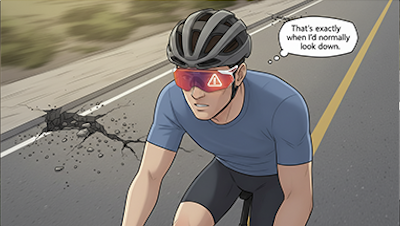
PANEL 13 — Regroup Signal
Scene: Mike eases pace.
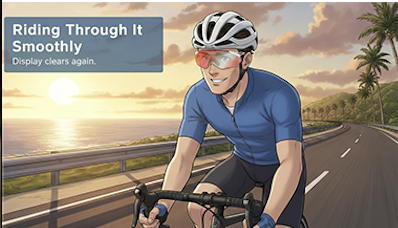
PANEL 15 — Riding Through It Smoothly
Scene: They pass the hazard cleanly.
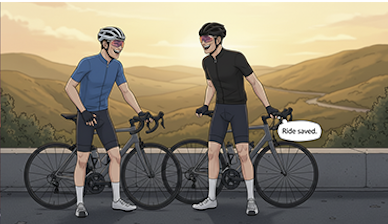
PANEL 18 — Ride Complete
Scene: They stop, unclip, and laugh.
Discussions
The RideFocus project helped me see how design can become more meaningful when it builds on existing behaviors instead of trying to replace them completely. It works as an add-on to systems cyclists already trust, especially Garmin, while making those tools safer and easier to use in motion.
Another part of the project that stands out is its versatility. RideFocus is not only a navigation tool, but also a communication system, a protective wearable, and a customizable riding interface. That flexibility makes the project feel realistic and user-centered.
Limitations & Future
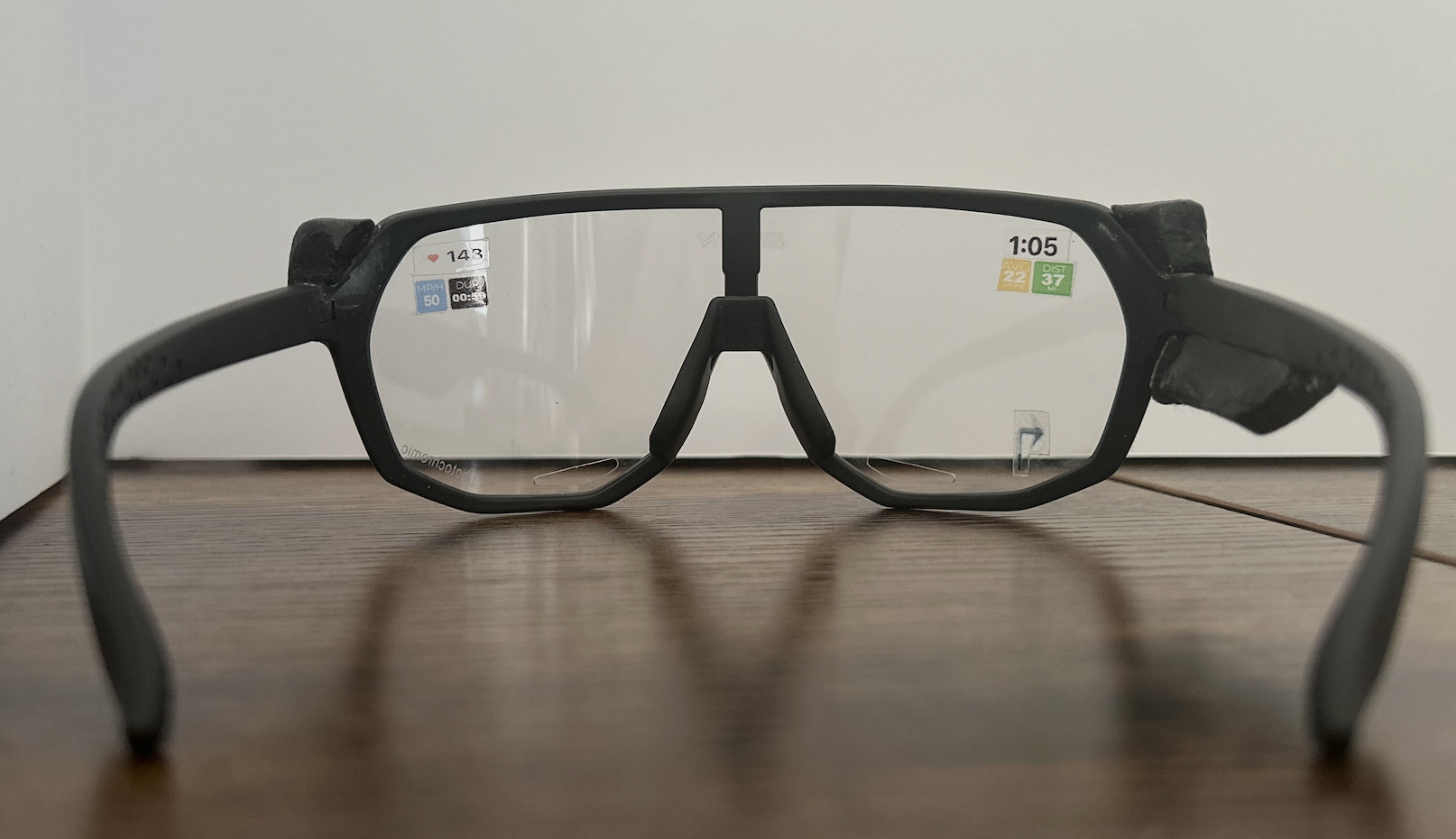
One of the biggest things I wish were different is the level of technical development I was able to reach. While I created strong mockups and a physical mockup, I would have liked to build a fully functioning prototype that could be tested in live riding conditions.
This points toward a clear next step for future development: a working AR system with real-time data integration, voice control, and group communication to evaluate the concept more deeply in the real world.
Final Outcome
The final outcome of this project is RideFocus AR, a research-driven cycling concept that transforms fieldwork, rider insights, and iterative design into a focused wearable system for safer riding.
A Complete Design Vision
The project resulted in a complete design vision that includes AR cycling glasses, a customizable heads-up display, voice control, built-in audio communication, Garmin integration, and a companion app prototype.
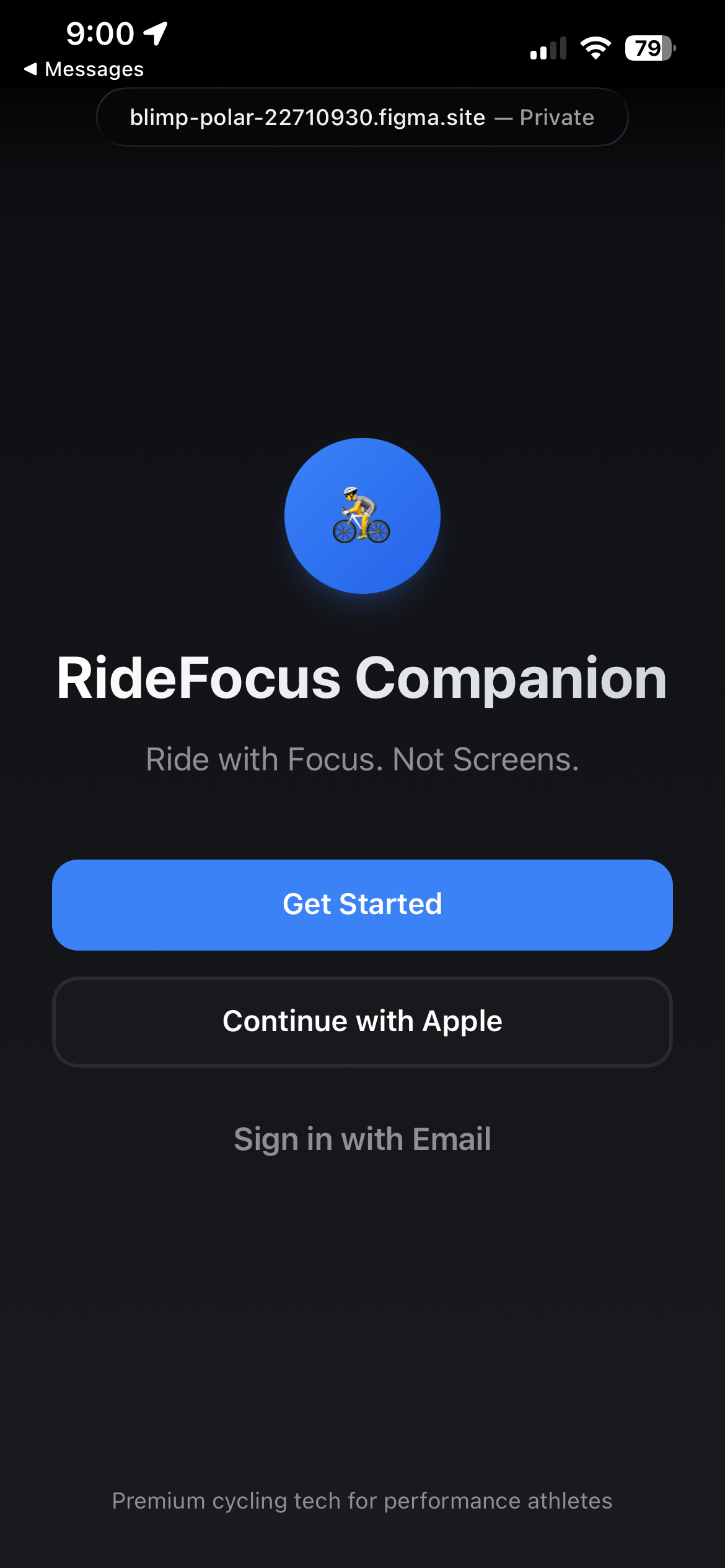
The RideFocus Companion app manages ride data, HUD customization, and group connectivity, ensuring a seamless bridge between the physical glasses and the digital ecosystem.
Why It Matters
RideFocus addresses the critical safety gap in modern cycling by placing only the most important ride information directly in the rider's field of view. By reducing screen-checking and improving situational awareness, the system supports safer navigation, better group coordination, and greater rider confidence.